Espresso searches every disk on your Mac as you type: the startup disk, the external ones,
and the ones sitting in a drawer. Native, private, and free for personal use.
Version 0.1.0· macOS 14 Sonoma or later · Apple silicon and Intel
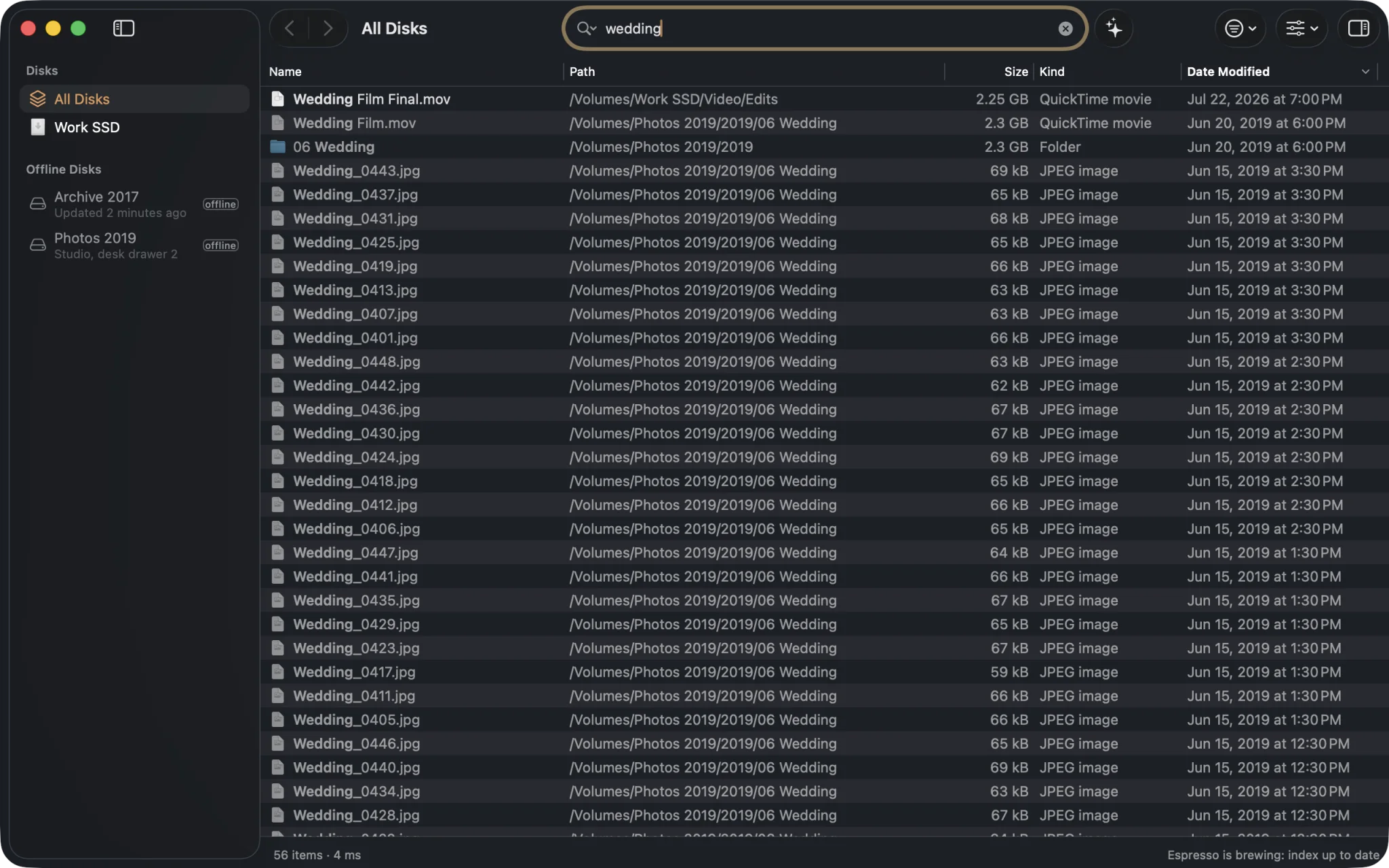
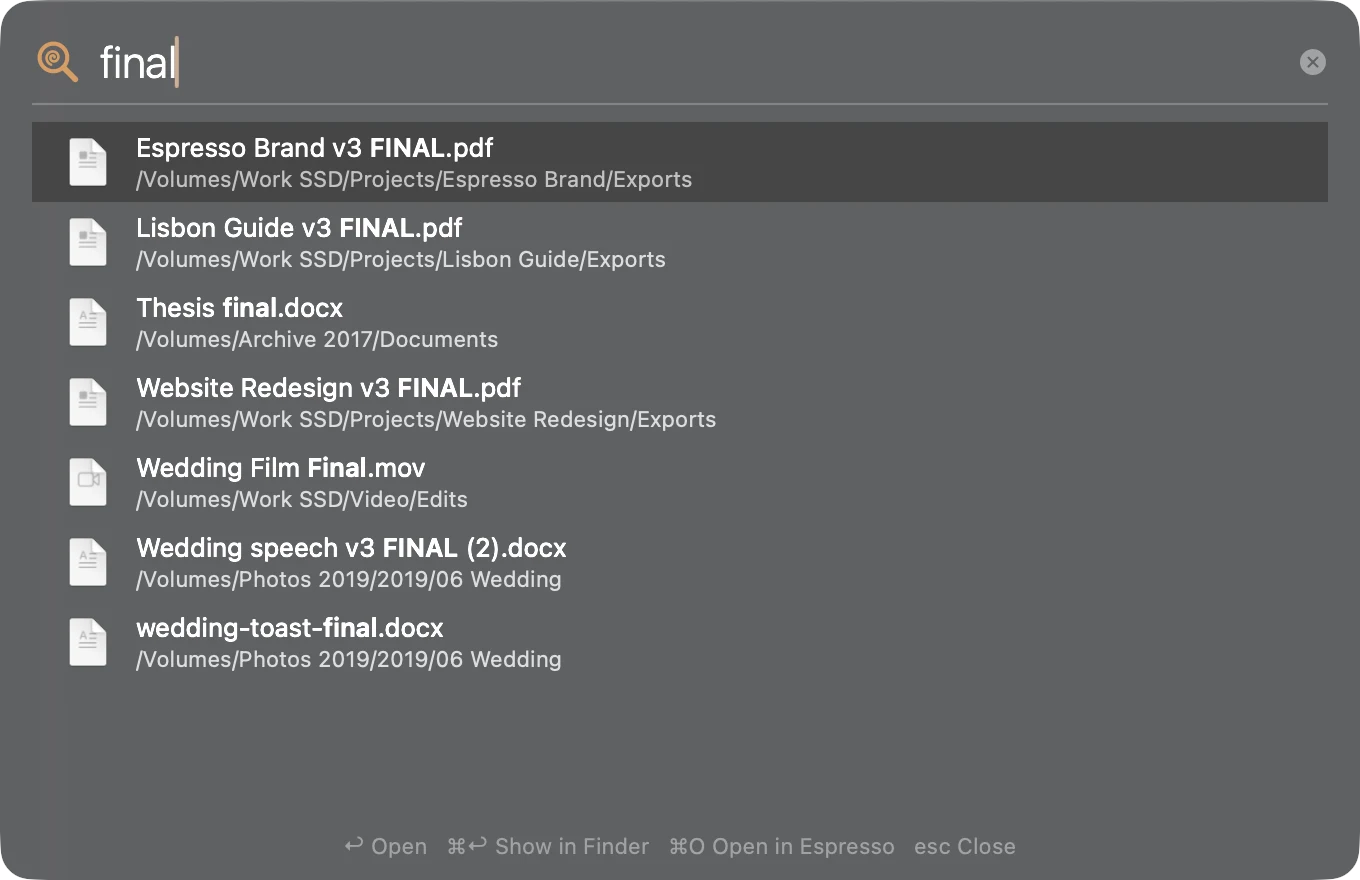
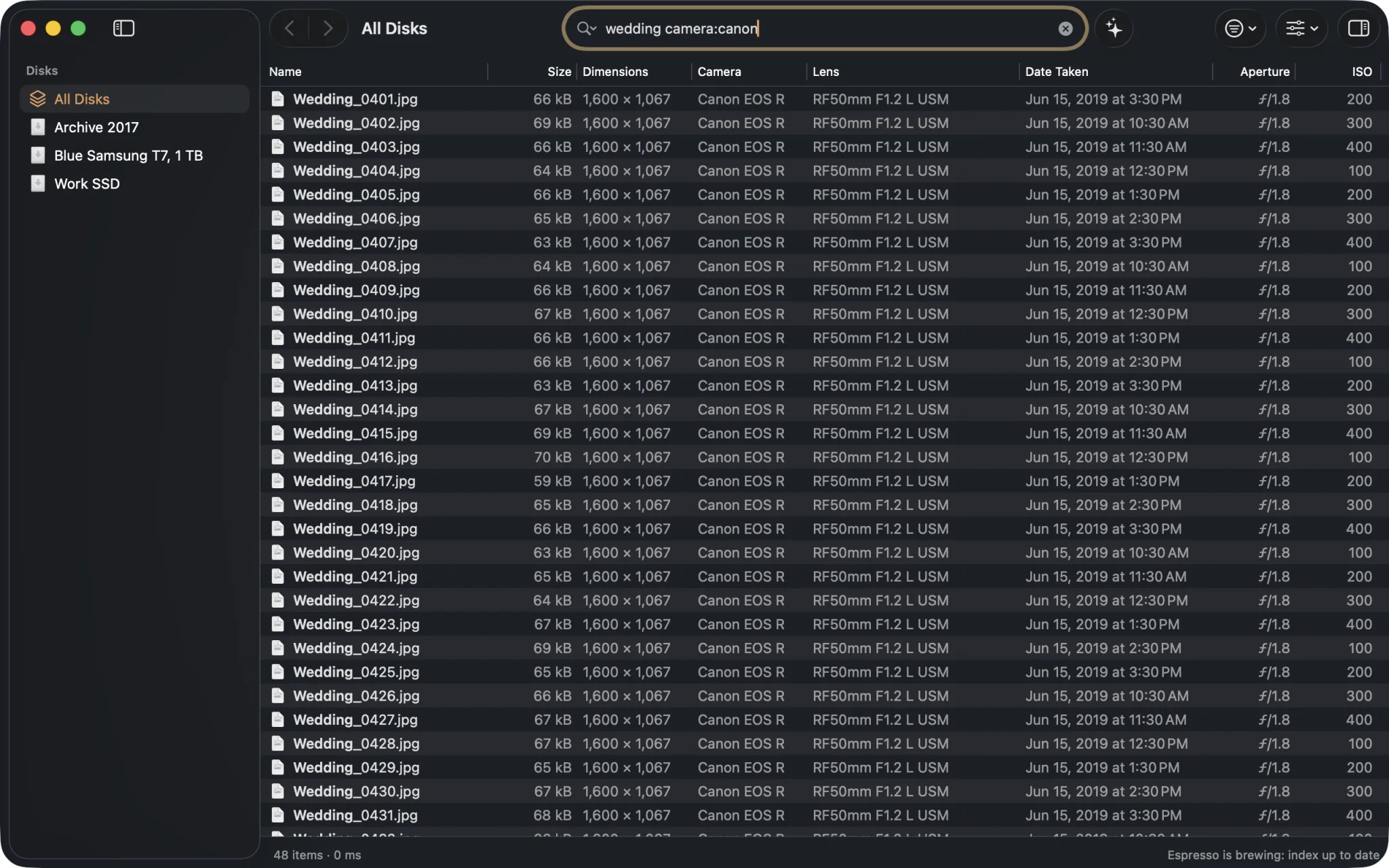
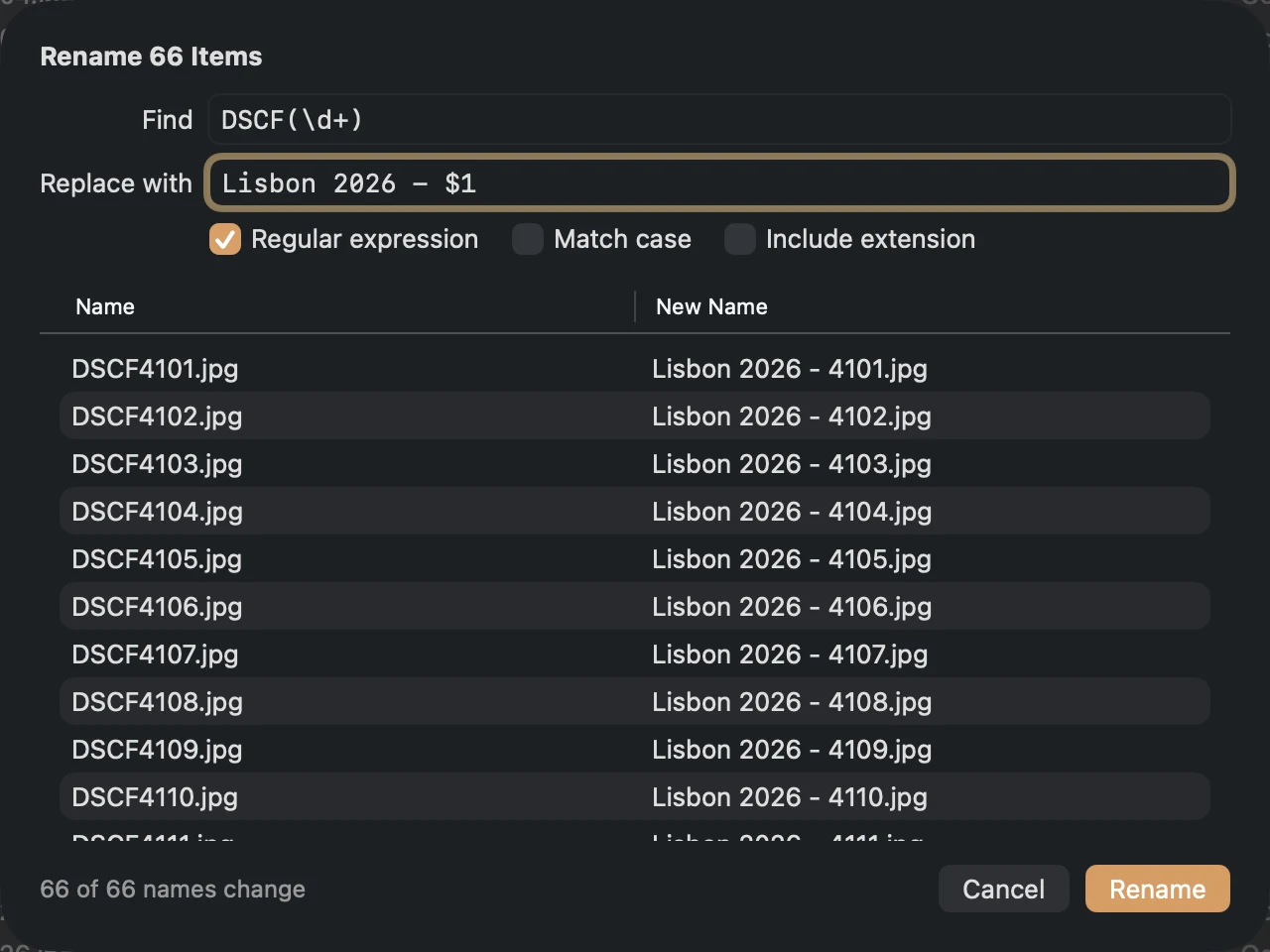
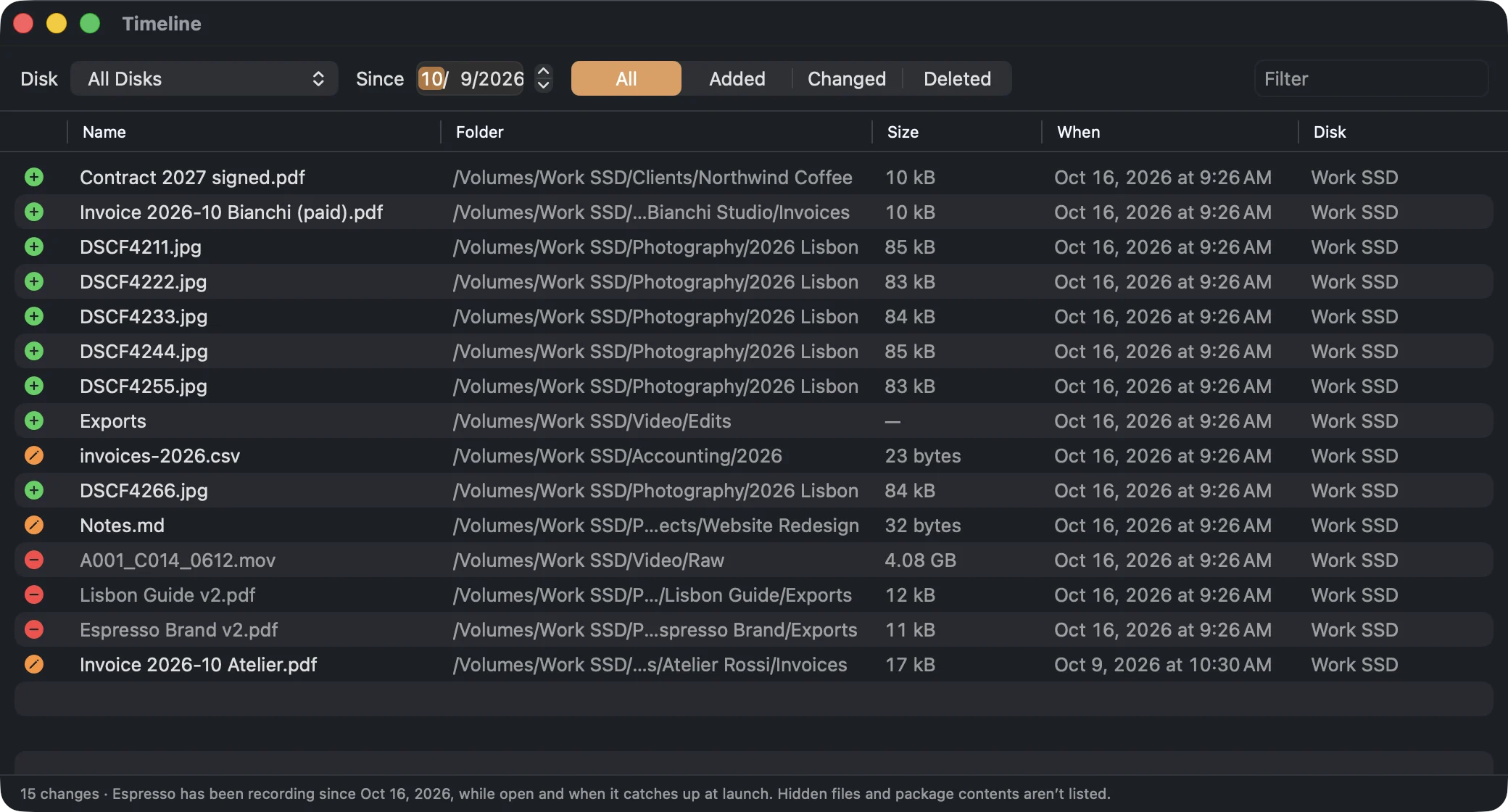
Results on every keystroke
Real app, real speed: this is a screen recording
Espresso for Mac · measured
Faster than the next key you press.
0.14ms
to find every “invoice” among 1.86 million files, sorted.
9.5s
to index a whole startup disk the first time: 1.58 million items. After that, it just follows changes.
13.3MB
the whole app. Native AppKit, nothing running when it’s closed.
Measured on a MacBook Air M2, 8 GB, macOS 26.3.1, release build, 15 October 2026. Search: median of 15 runs
on a saved index of 1,856,094 items. First index without Full Disk Access.
Unplugged disks stay searchable.
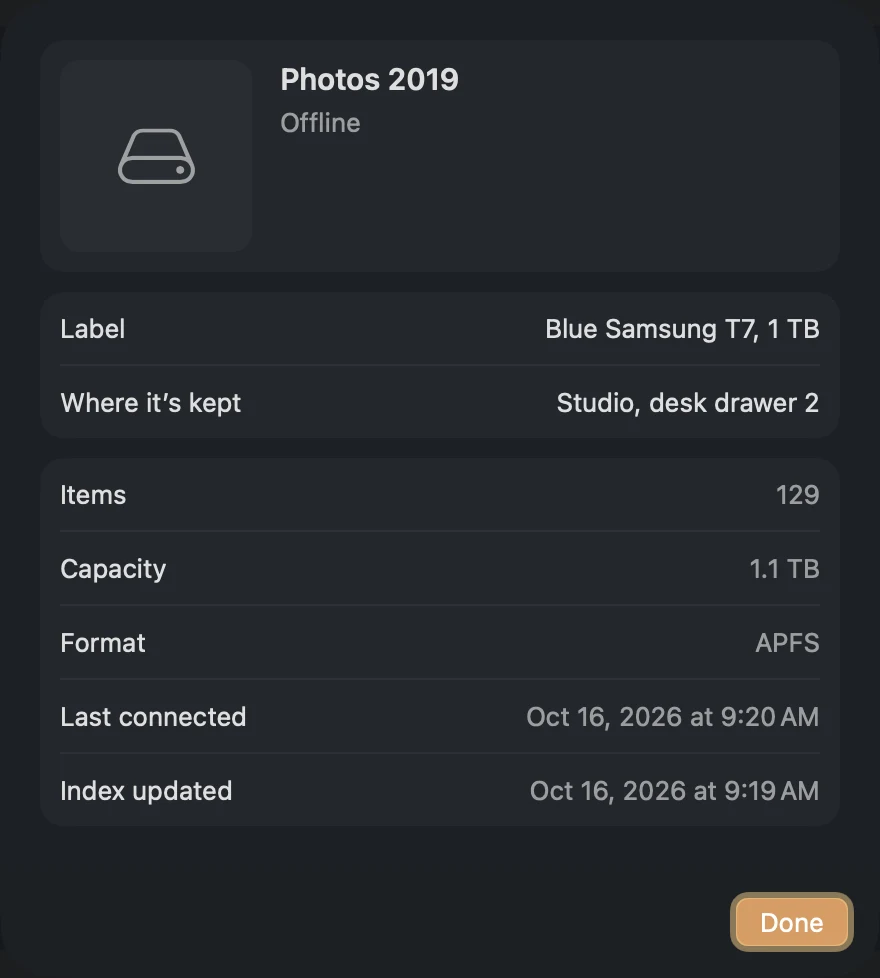
Eject a drive and it moves to Offline Disks, index and all. Search it, browse it,
get info on its files, then plug it in and Espresso catches up with what changed.
Unplugged, still in the resultsPro · where each disk lives
Free keeps your two most recently connected offline disks searchable; the rest wait, indexed and safe.
Pro searches all of them and remembers where each one is kept.
Say exactly what you mean.
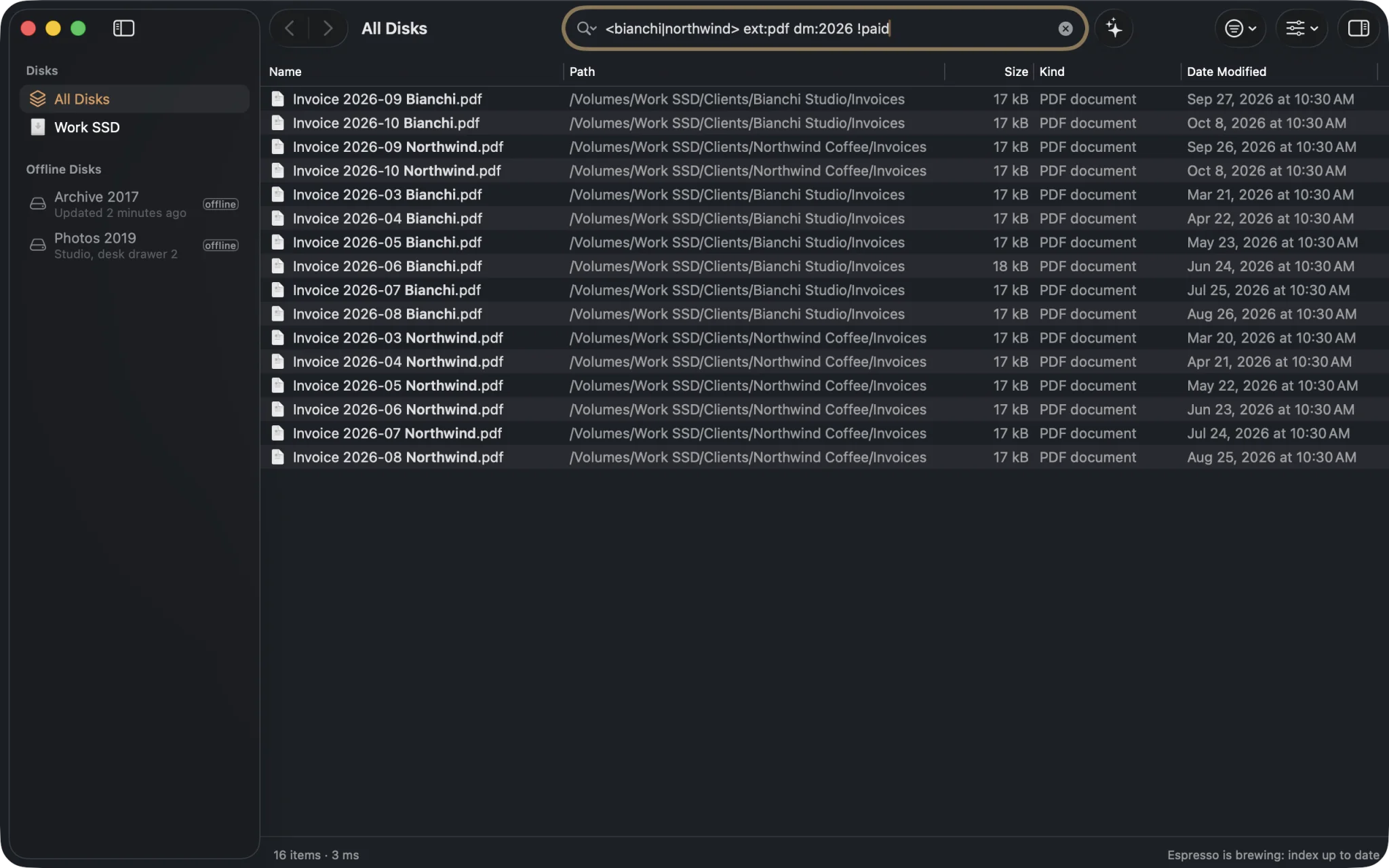
The full search language is free, in the spirit of Everything on Windows: AND, OR, NOT,
wildcards, regular expressions, sizes, dates, kinds, folders, duplicates. Save the searches
you repeat, turn them into macros, switch kinds with ⌘1–⌘9.
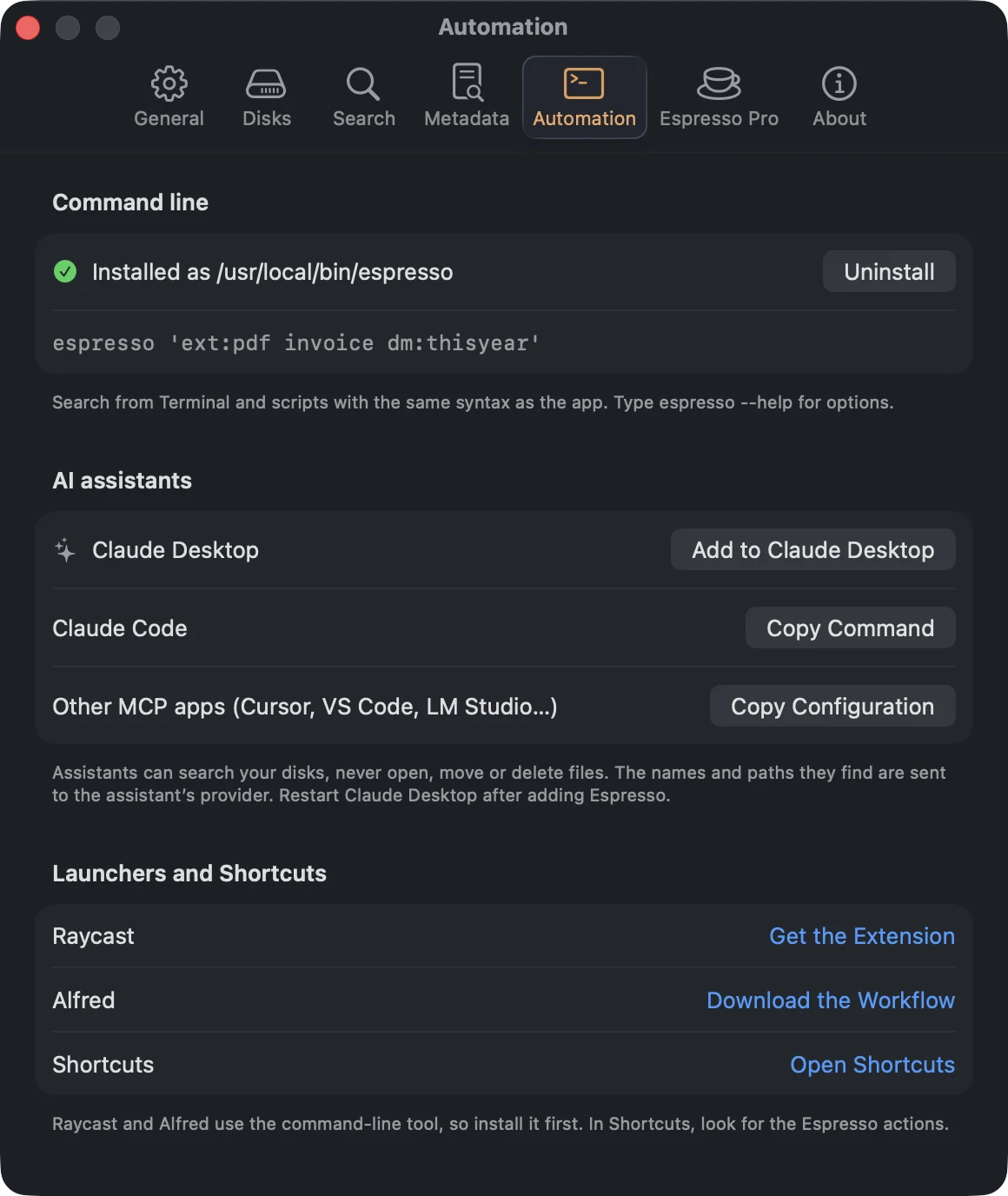
<bianchi|northwind>either client
ext:pdfPDFs only
dm:2026modified this year
!paidnot the paid ones
Espresso Pro
Or just ask.
Ask the Barista turns plain words into filters (kinds, dates, sizes, places, cameras) and
finds the rest by meaning. In English, Italian and about a hundred other languages.
Runs on your Mac’s Neural Engine, about 5 ms a question
Your questions and your files never leave the Mac
Works on offline disks too
Needs Apple silicon and macOS 15. The model (585 MB) downloads once, when you ask for it.
Your words, as filters: pic: dm:2019-06 about:"wedding"
⌥+Space
From anywhere, in one keystroke.
Press ⌥ Space in any app and the Shot drops in. Type, press Return to open, ⌘ Return to see it in Finder.
Espresso Pro
For drawers full of disks and folders full of work.
Also in Pro: text inside documents and what photos show (content:, looks:),
CSV export, scheduled updates for network shares, and a set of coffee app icons.
Free forever. Pro when you need it.
No subscription, no account. Start free; try every Pro feature for 14 days from inside the app, with just an email.
Espresso Free
€0forever
For personal, non-commercial use. Not a demo.
Every disk, indexed once and kept live
The full search syntax, Blends, saved searches, macros
The trial needs no card and ends by itself: Espresso goes back to Free and keeps everything you set up.
Buy from Espresso › Settings › Espresso Pro whenever you’re ready.
No analytics, no telemetry. Espresso goes online for updates, your license and, if you ask, the Barista’s model. No request carries a file name.
The index lives on your Mac, in your Library folder. About 110 bytes a file: two million files fit in roughly 230 MB.
The Barista thinks locally. Its model runs on your Mac, and so does everything it learns about your files.
If you connect an AI assistant over MCP, the names and paths it searches are sent to that assistant’s provider. Read the privacy policy.
Questions, answered short.
How is this different from Spotlight?
Spotlight searches contents and metadata and ranks a handful of results for you. Espresso searches the names and paths of every file, hidden and system files included, shows everything that matches in a sortable list that updates as you type, takes precise filters and regular expressions, and keeps disconnected disks searchable.
Does it slow down my Mac?
Indexing a disk is a short burst of work, once: well under a minute for a typical startup disk. After that Espresso only follows changes as they happen, and does nothing when it’s closed.
Why does it ask for Full Disk Access?
To see the folders macOS protects (Mail, Messages, other apps’ data). Without it Espresso still indexes everything else; you can grant it later in System Settings.
Can I use Espresso Free at work?
Free is for personal, non-commercial use. Using Espresso for work needs Pro: one payment, up to 3 Macs of the same person.
Does it run on Intel Macs?
Yes, on macOS 14 Sonoma or later, Apple silicon and Intel. Ask the Barista is the exception: it needs Apple silicon and macOS 15.
Which disks can it index?
Anything macOS can mount: APFS, HFS+, exFAT, FAT32, NTFS (read-only) and more, plus network shares if you turn them on.